
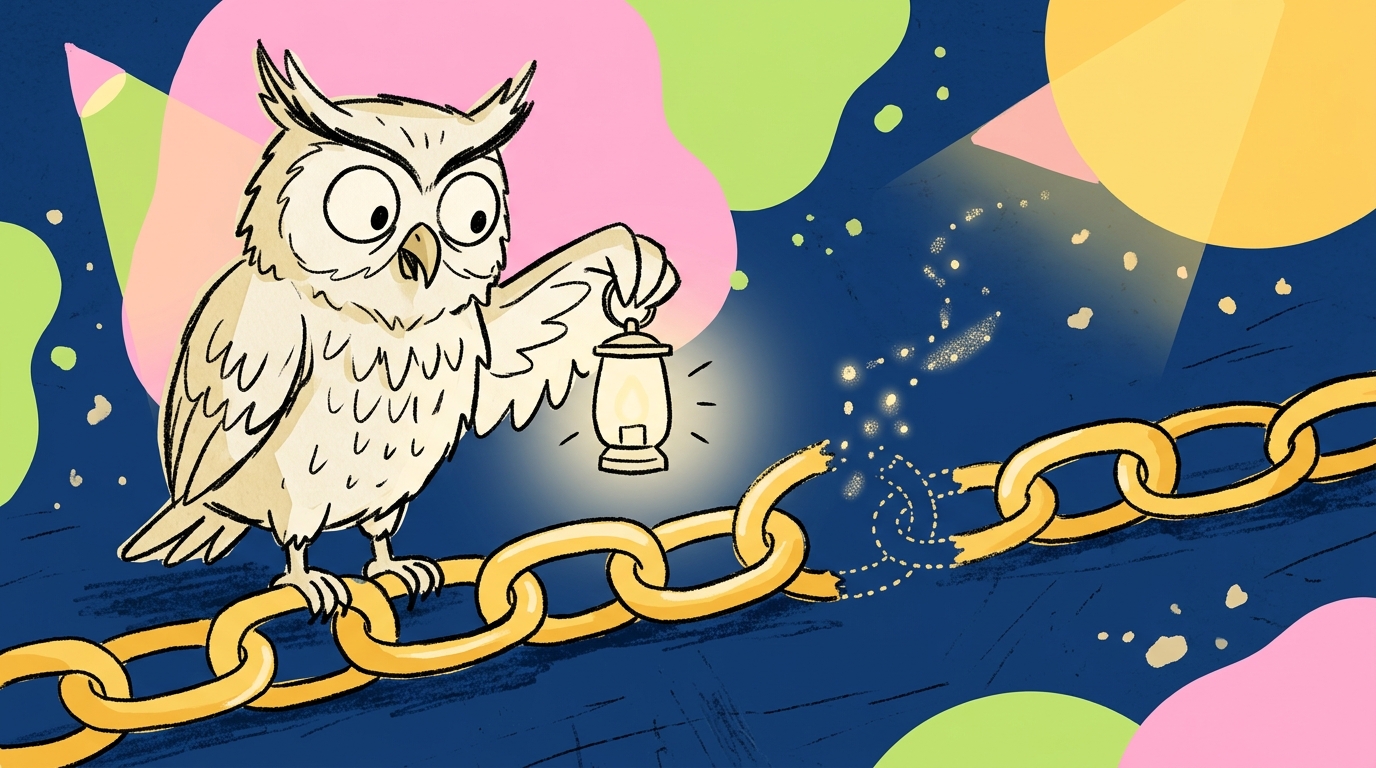
There is a dirty secret in the guest posting world that nobody likes to talk about. You pay a site owner $200 for a placement. The post goes live. The link is there, shiny and dofollow, exactly where it should be. You celebrate. You move on to the next outreach campaign.
Three months later, you check the URL. The link is gone. Or worse, it is still there but now wrapped in a nofollow tag. The editor never told you. The site owner ghosted your follow-up emails. Your $200 bought you a temporary backlink that evaporated before it could do any real SEO work.
This happens constantly. If you are buying guest posts or earning them through outreach, tracking those links is not optional. It is survival.
The Hidden Risk of Guest Posting Nobody Talks About
Guest posting is still one of the most effective link building strategies. That is not in dispute. What people gloss over is the post-publication risk. A live guest post is not a finished asset. It is a living page that can change at any moment.
Editors update content. Site owners redesign layouts. Link policies shift. And because you do not control the page, you are at the mercy of whoever does.
The worst part? Most link builders never check. They build, they invoice, they forget. It is like planting a garden and never watering it.
Why Guest Post Links Disappear
Let us look at the specific ways guest post links die.
Editors removing links after publication. Sometimes an editor decides the post has too many external links. Sometimes they replace your link with a competitor’s. Sometimes they simply delete the whole paragraph. You will not know unless you look.
Pages getting archived or deleted. A site might decide the topic is outdated and archive the post. Or they might purge old content during a cleanup. Your link goes with it.
Nofollow switches without notice. This is the silent killer. The page looks fine. The link is visible. But inspect the HTML and you will see rel=“nofollow” where there used to be nothing. The SEO value is gone, and the page still looks perfectly normal to a casual visitor.
Sites going offline or changing ownership. The blog you guest posted on might get sold, shut down, or repurposed entirely. There is no recovering a link from a dead domain.
What to Track for Every Guest Post Backlink
If you are serious about protecting your investment, you need to monitor more than just link presence.
Link presence. Is the link still physically on the page? This is the bare minimum.
Link type: dofollow vs nofollow. A dofollow link passes authority. A nofollow link does not. If your dofollow link turned nofollow, you need to know immediately.
Page status: 200 OK vs 404 vs redirected. A page might load fine for humans but return a 404 to crawlers. Or it might redirect to a completely different domain. Both scenarios kill your link equity.
Indexation: is the page in Google’s index? An unindexed page is invisible to search engines. Your backlink on that page is essentially worthless for SEO, even if the page loads perfectly.
Anchor text accuracy. Sometimes editors change your anchor text during an update. If your targeted keyword anchor gets replaced with “click here,” the SEO value drops significantly.
Manual vs Automated Guest Post Link Tracking
You have two options here, and only one of them scales.
The spreadsheet method. Create a Google Sheet with columns for URL, publication date, link status, dofollow status, page status, and last checked date. Visit each URL manually every month. Update the sheet. Pray you do not miss anything.
This works for ten links. It breaks at fifty. At a hundred, it is a part-time job that nobody wants. Plus, monthly checks are too slow. A link that disappears on day three will not be caught until day thirty, assuming you even remember to check.
Automated monitoring tools. This is where the smart money goes. You paste your guest post URLs into a tool, and it checks them daily. If anything changes, you get an alert. No spreadsheets. No manual visits. No forgotten links.
BacklinkGuard handles this specifically. You add your domain, paste the source URLs where your guest post links live, and it runs automated checks on link presence, link type, page availability, and noindex status. Daily. For free. You can set it up at https://backlinkguard.craften.io/ and stop babysitting your backlinks.
How to Set Up Automated Guest Post Backlink Alerts
The setup is straightforward.
First, collect every URL where your guest post backlinks appear. This is your source list.
Second, add your domain to a monitoring tool. This tells the system what to look for.
Third, paste the source URLs into the tool. Most tools let you import a list via CSV if you have a lot.
Fourth, configure your alert preferences. Email is standard. Some tools offer Slack or webhook integrations.
Fifth, review your first report to confirm everything is tracking correctly. Then walk away and let the tool work.
What to Do When a Guest Post Link Goes Missing
Alerts are only useful if you act on them.
When you get a notification that a link disappeared, visit the page immediately. Confirm the issue. Sometimes it is a temporary glitch. Sometimes the page is genuinely changed.
If the link is gone, contact the site owner politely. Reference the original agreement. Ask if there was a reason for removal. Offer to provide updated content if that helps restore the link.
If the link turned nofollow, ask why. Some sites have blanket policies. Others made an error. You will not know until you ask.
If the page is gone entirely, check if there is a redirect. If the domain is dead, remove it from your tracking and move on. Chasing ghosts is a waste of energy.
FAQ
How often should I check guest post links? Daily automated checks are ideal. Manual monthly checks are the bare minimum.
Do all guest post links eventually disappear? No, but a surprising percentage do. Studies suggest 10-20% of paid links vanish within a year.
Should I pay for link monitoring? Not necessarily. Free tools like BacklinkGuard offer daily automated checks at no cost.
What if the site owner refuses to restore my link? Document the agreement, but do not escalate aggressively. Sometimes it is better to blacklist the site and warn your network.